
Your phone. Your files.
Your Pattern.
Every pattern opens its own vault — and an unfamiliar one just opens an empty shell, so a borrowed glance never lands on the files you actually keep. Weave Vault seals every file, thumbnail, and filename with AES-256-GCM encryption, and Argon2id stretches your pattern into a key built to outlast GPU-scale brute force. Even with the device in hand, there's nothing readable to extract — every byte of metadata sits sealed alongside the files. No account. No cloud. Nothing on our end to hack, leak, or subpoena.
Download on theApp Store Get it onGoogle Play
Free to download. iPhone & iPad on iOS 16 or later, and Android.
Built so we can't get in either
Pattern unlock, nothing stored
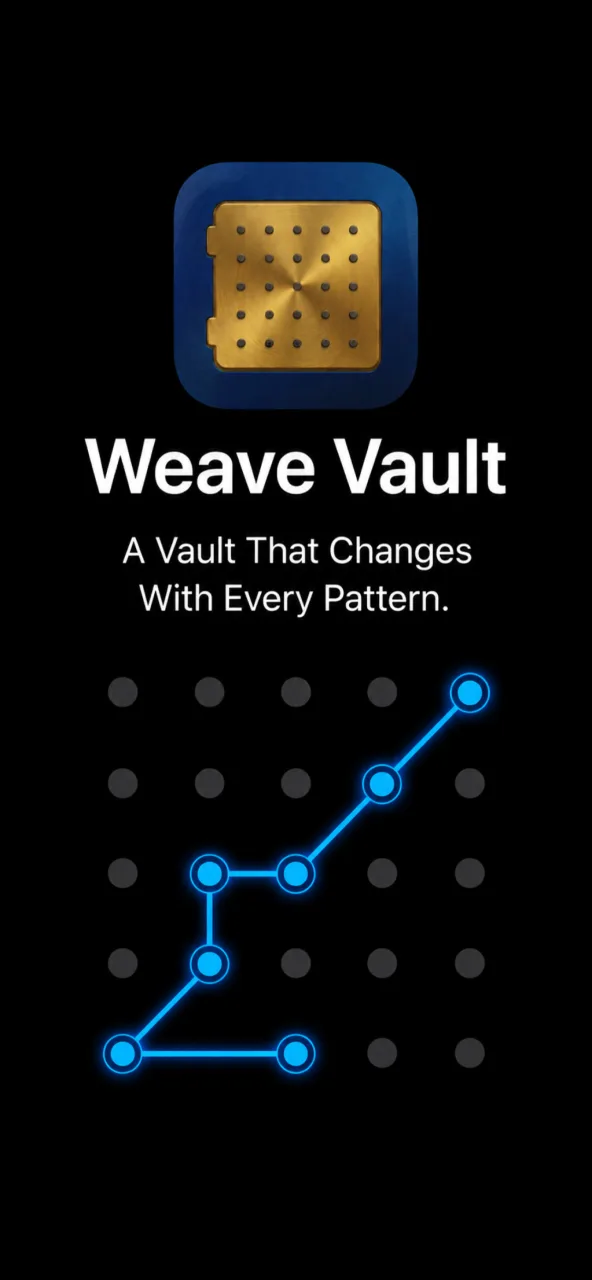
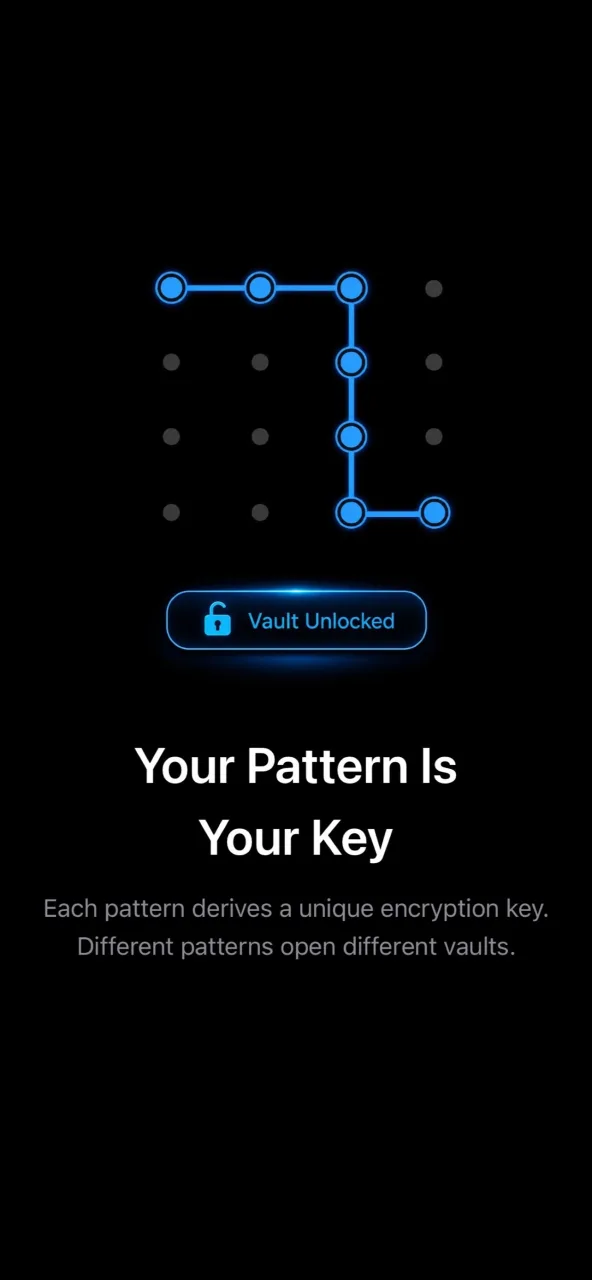
Draw a pattern across a 5×5 grid. That gesture is your key. It's never hashed, never written to disk, never backed up — anywhere. Forget the pattern and the vault stays sealed. Even from us.
Real crypto, on your device
Every photo, video, file, thumbnail, and filename is sealed with AES-256-GCM before it touches storage. Your pattern is stretched into a key using Argon2id — the memory-hard KDF OWASP recommends and RFC 9106 standardizes. Designed to make GPU brute-force farms a bad investment.
12-word recovery phrase
Every vault generates a 12-word BIP-39 recovery phrase — the same standard self-custodial crypto wallets use. Shown once. Write it down, drop it into a password manager, hide it somewhere only you can find. It's your way back in if you ever forget the pattern.
Different patterns, different vaults
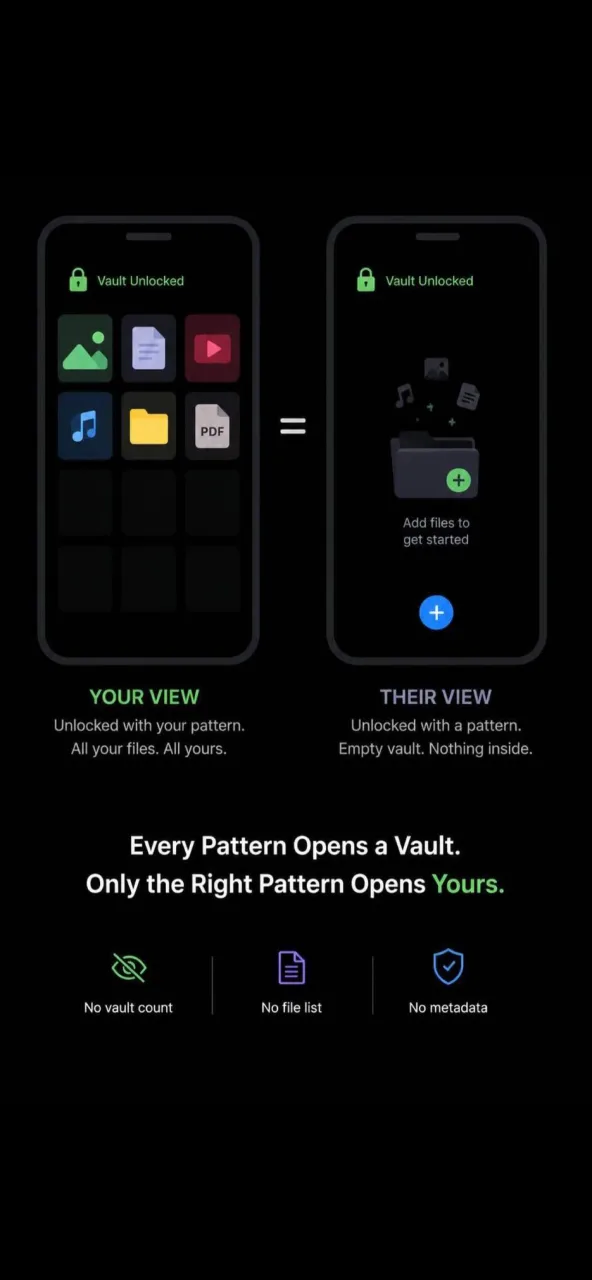
Each pattern unlocks its own vault. A personal one for you, a softer one for the friend who wants to "just check something" on your phone. Draw a pattern the app doesn't recognize and it doesn't push back — it just opens a fresh, empty vault. No error messages, no "incorrect" prompts, no vault-count UI to give the game away.
How it works
-
1. Draw a pattern
Connect at least 6 dots on a 5×5 grid. That's your key. Nothing has been written to disk yet — the vault springs into existence the moment you actually need it.
-
2. Add your first file
Pick a photo, video, or file. Now the vault is born: a fresh random encryption key, a fresh 12-word recovery phrase, both bound to the pattern you drew. The recovery phrase appears once — write it down before tapping continue.
-
3. Stash your recovery phrase
Treat those 12 words like the keys to a safe — because that's what they are. Pattern lost? The phrase still gets you in. Phrase lost? The pattern still gets you in. Both lost? The vault is gone. We don't keep copies.
Frequently asked
Who is this for?
Anyone with a phone other people sometimes touch. Friends, kids, partners, coworkers, that one cousin who scrolls through your camera roll uninvited. Weave Vault locks photos behind a pattern only you know, sealed with AES-256-GCM and Argon2id — strong enough that even a stolen, unlocked phone still won't open your vault without your pattern.
What's actually under the hood?
Nothing exotic, nothing homemade.
- AES-256-GCM for sealing every file, thumbnail, manifest, and piece of metadata.
- Argon2id (memory-hard, OWASP-recommended, RFC 9106) for turning your pattern into a key — the same KDF family Bitwarden and serious password managers use.
- HKDF for per-item subkey derivation, so the loss of one file's nonce can't compromise another.
- BIP-39 for the 12-word recovery phrase.
- Apple's Secure Enclave-backed file protection so the encrypted blobs stay locked while the device is locked.
What if I forget my pattern?
Enter your 12-word recovery phrase from the unlock screen and set a new pattern. If you've lost the recovery phrase too, the vault is gone — we don't keep a copy. There's no support flow that magically unlocks it. That's the whole point.
Why no Face ID, Touch ID, or PIN?
By design. Biometrics and PINs need to be stored somewhere — even inside the Secure Enclave, there's a secret on the device that an attacker can target. Patterns aren't stored anywhere. The pattern is the input that derives your encryption key, and we throw away every trace of it the moment the vault opens. Cleaner threat model, cleaner code.
Is anything uploaded to the cloud?
No. There's no cloud component to upload to — we don't run servers, period. Your files, thumbnails, metadata, and the encryption headers wrapping them all live exclusively on your device. We also exclude the vault from iCloud and iTunes device backups by design, so even a synced backup of your phone never contains your vault.
What happens to photos I imported from the Photos app?
We only ever see the photos you explicitly pick — Apple's system photo picker handles selection, and Weave Vault never sees your library, never browses, never indexes. Originals stay in the Photos app until you delete them there. After import, the app walks you through cleaning those originals up if you want a true single-copy.
Is there a free version?
Yes. The free tier lets you try out pattern unlock and basic vault storage. Weave Vault Pro adds higher capacity and additional features, and is available as a monthly or annual subscription, or as a one-time lifetime purchase. All payments are processed by Apple and can be cancelled anytime from your device's Subscriptions settings.
What if I uninstall the app?
Uninstalling deletes the vault. Originals you imported from the Photos app or Files app stay wherever you left them. If you want to keep the encrypted vault contents, export them first.
What's the threat model — honestly?
Without your pattern, the encrypted vault is genuinely hard to open. AES-256-GCM doesn't yield to brute force in any practical timeframe, and Argon2id is purpose-built to make pattern-guessing slow and memory-hungry — designed specifically to defeat the GPU-farm brute-force the way attacks like this usually scale. Your pattern is never written to disk, never synced to iCloud, never seen by us. There's nothing on our servers to subpoena and nothing in your device backup to extract.
Where we don't pretend: every vault leaks at its edges — someone watching you unlock, or being compelled to draw the pattern. The crypto is strong; those are the angles that actually matter, for any vault on any platform.
Built by Silmaril
Weave Vault is made by Silmaril Software in Hyderabad, India — the same team behind sync.camera. We build apps that respect the person holding the phone. Questions? support@weavevault.app.